Client Onboarding: Setting Up Your Schwab Connection
Create a Schwab Developer Account
Here are the steps to get your API access.
Access the Schwab Developer website here to begin the secure sign-up process.
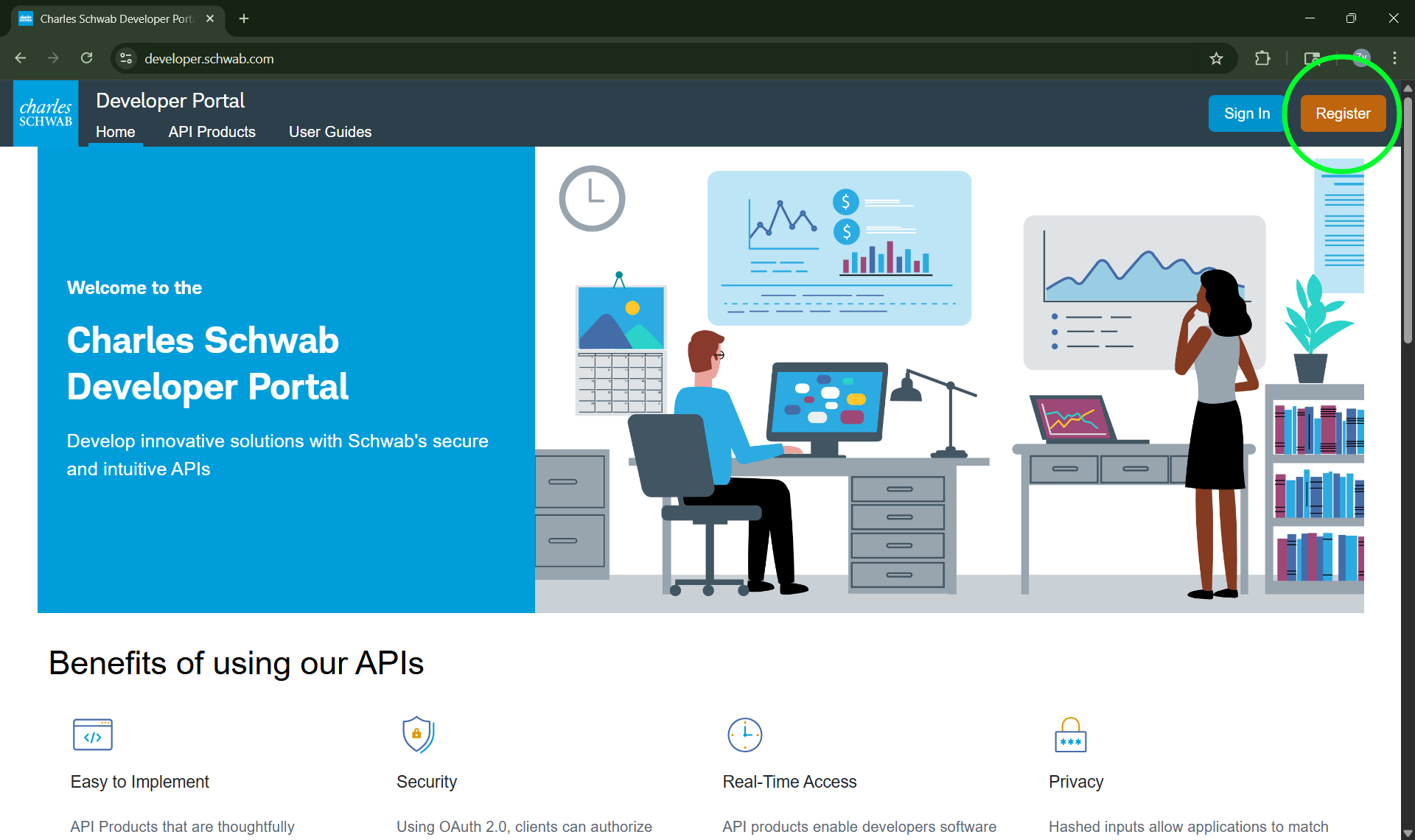
Click Register in the upper-right corner, then complete and submit your application for processing.
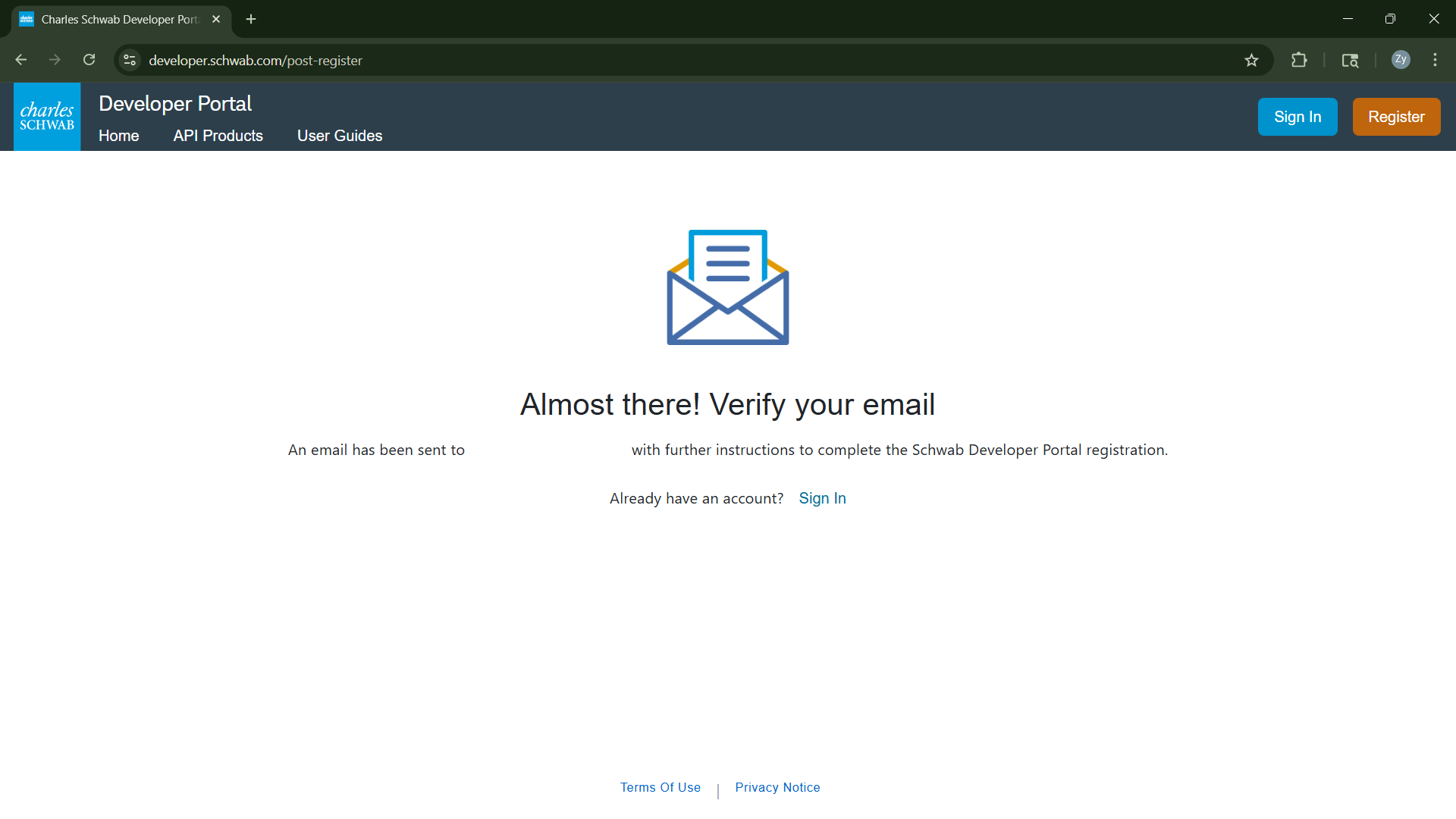
To activate your account, access the confirmation email in your inbox and click create your credentials.
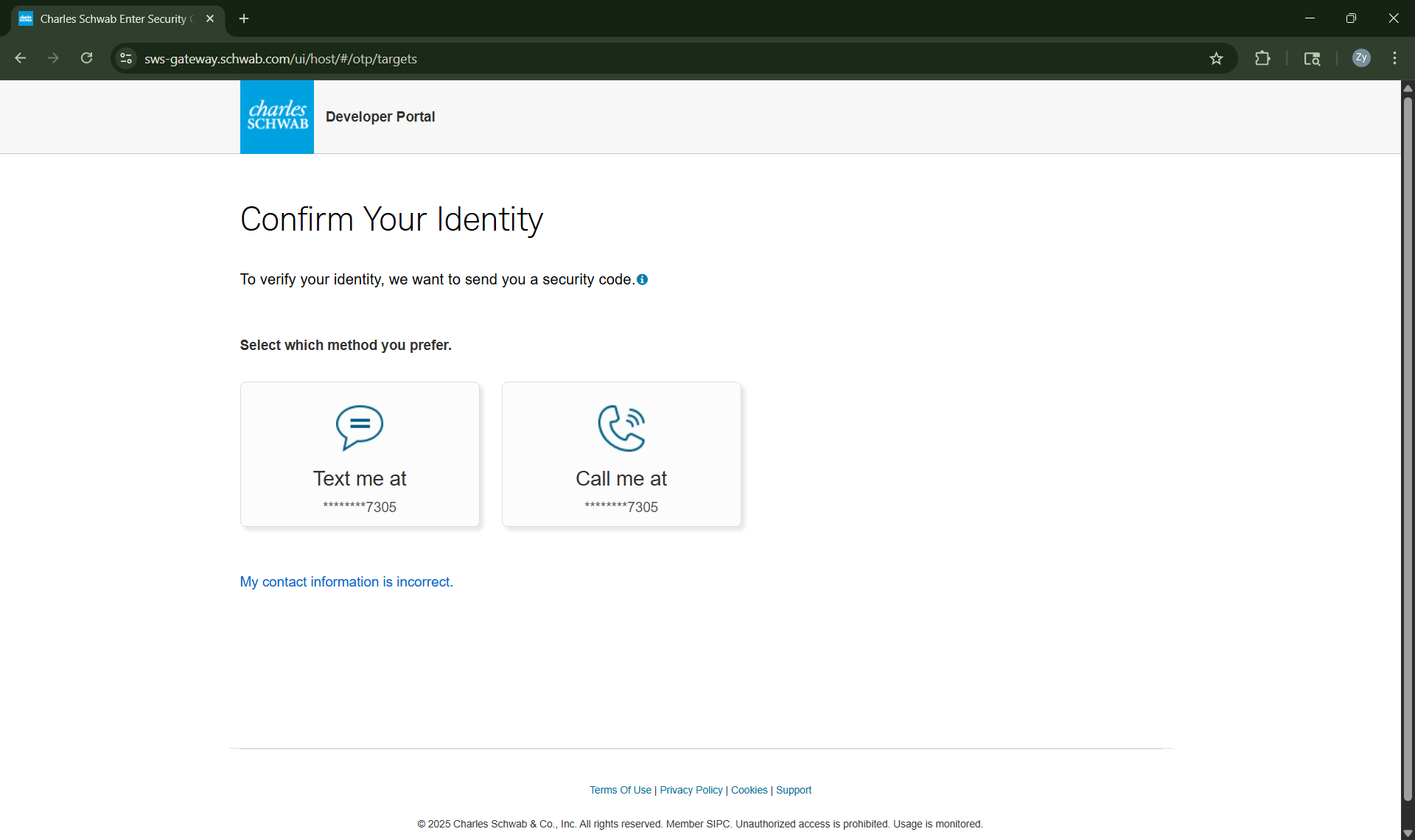
Confirm your identity by selecting your preferred contact method.
Create a password and other login credentials.
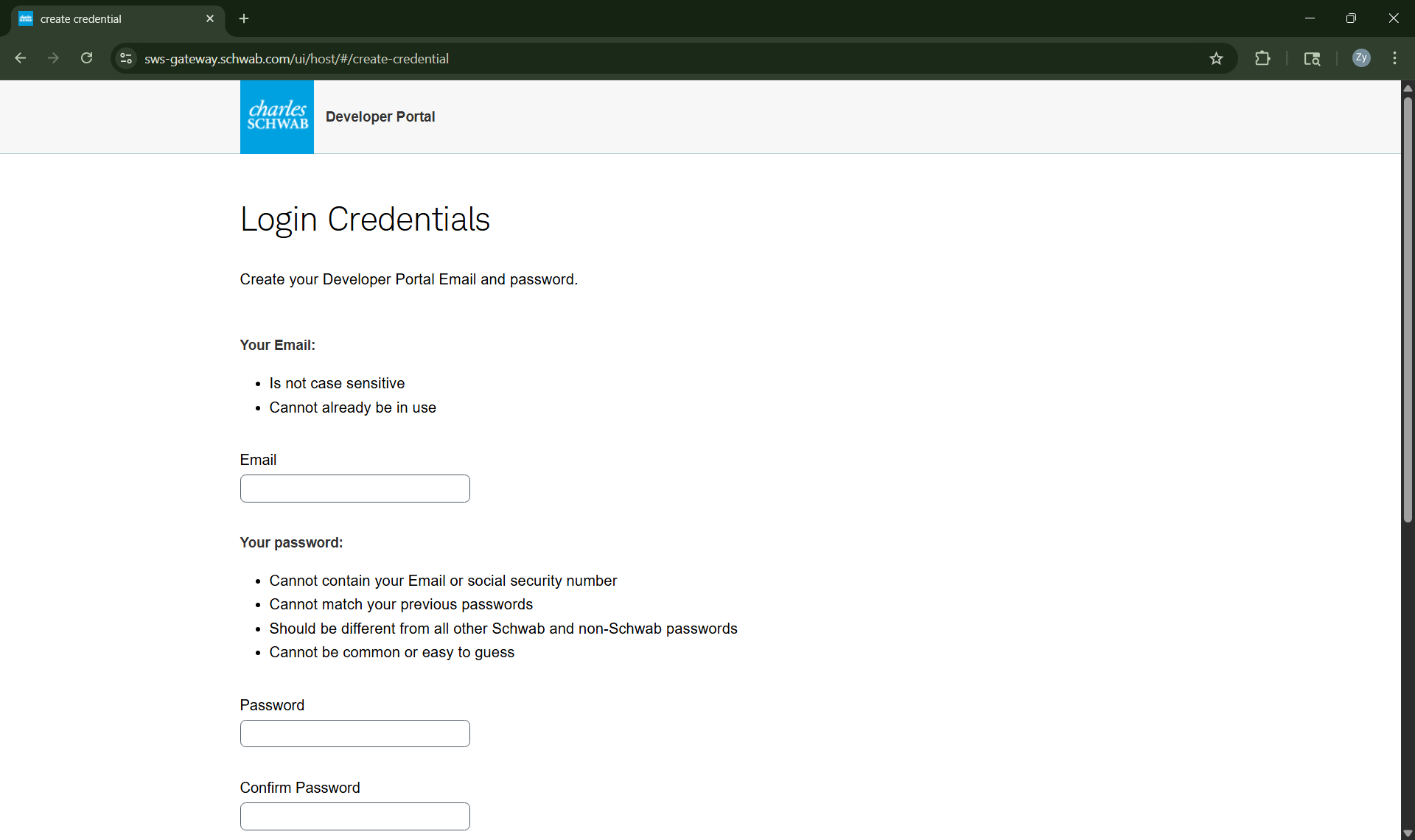
Please log back in with your new credentials.
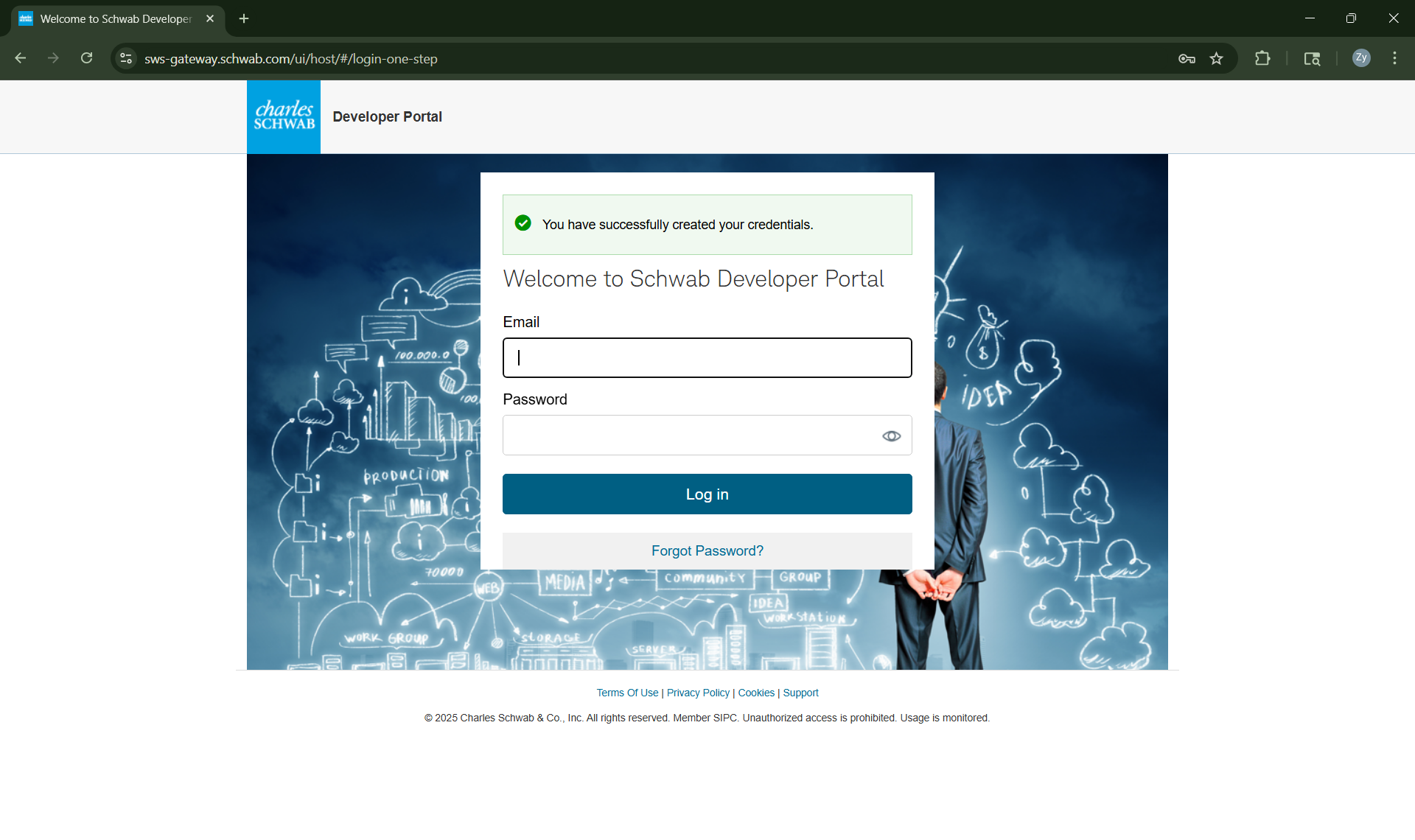
Click API Product in the Main Menu.
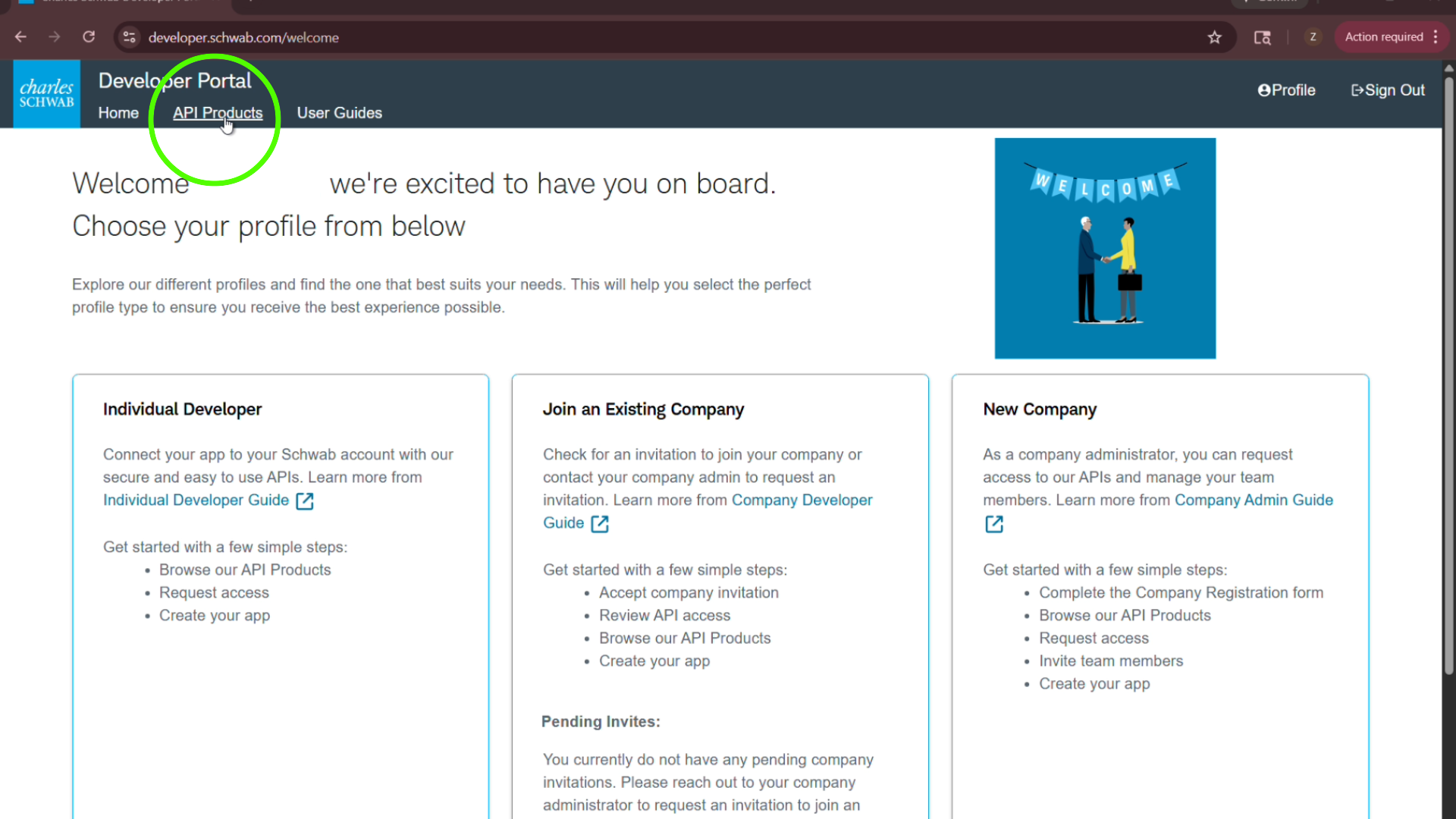
Navigate down the page and set the filter to Individual Developer, then click on Trader API - Individual.
Proceed by clicking Add Individual Developer Role then select Request Access. Agree to terms and conditions and submit.
Congratulations, your developer account has been created. Please allow up to 1-2 buisness days for Schwab to review your request.
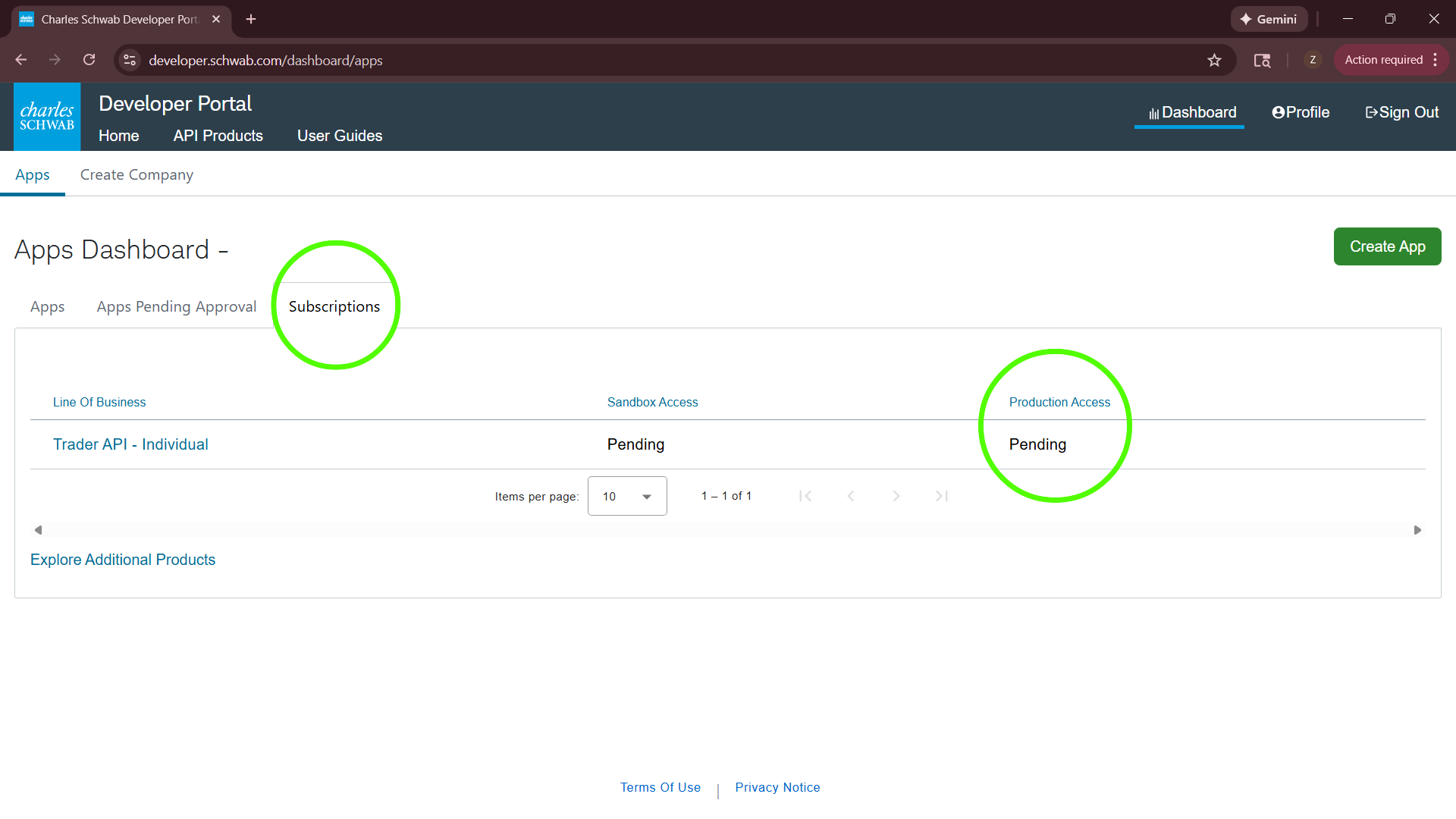
Create a Schwab Application
Once your account has been approved, you may proceed to create your Schwab Application.
Click here to Sign in to your developer account.
Once logged in, select the Dashboard to access the app.
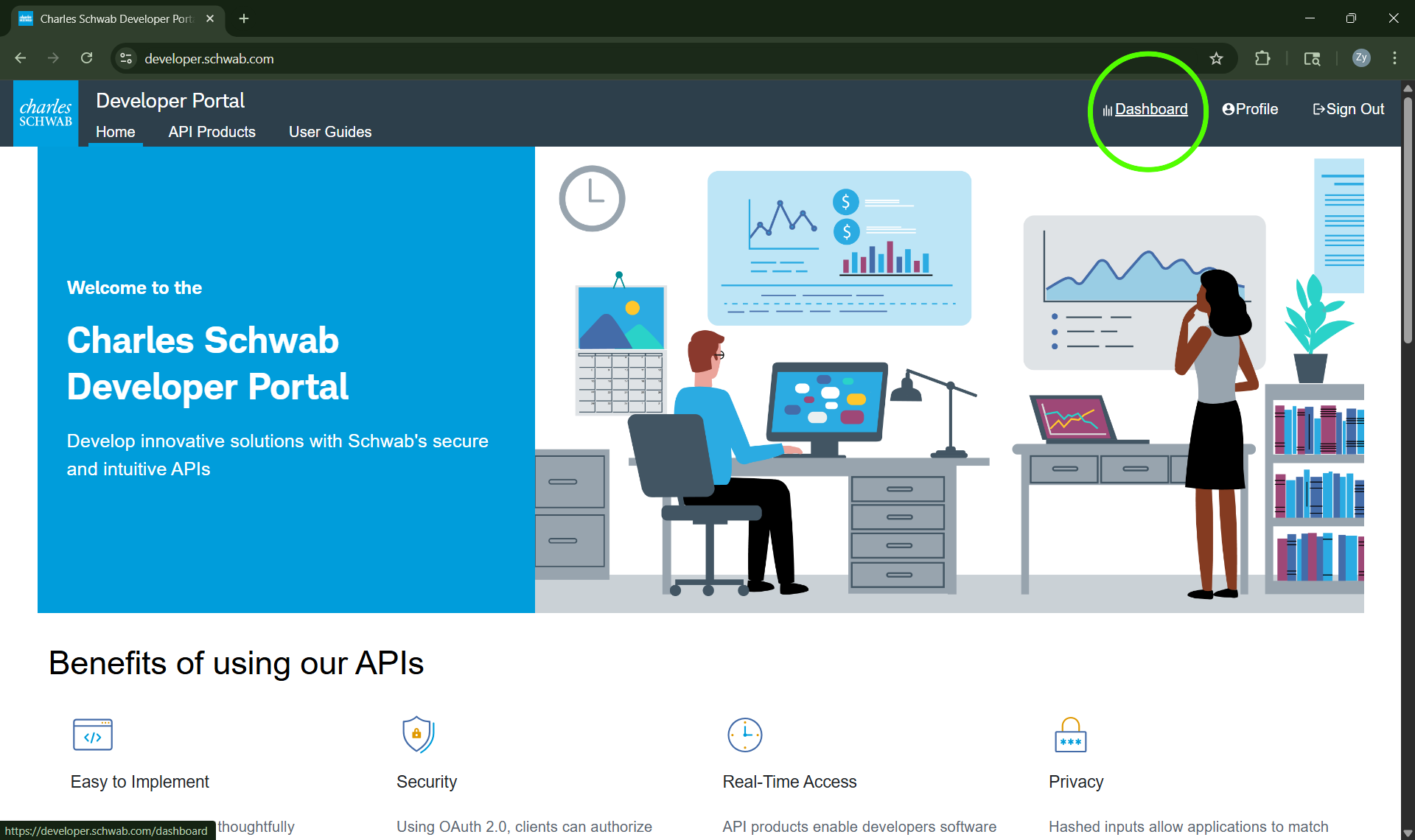
Click Create App.
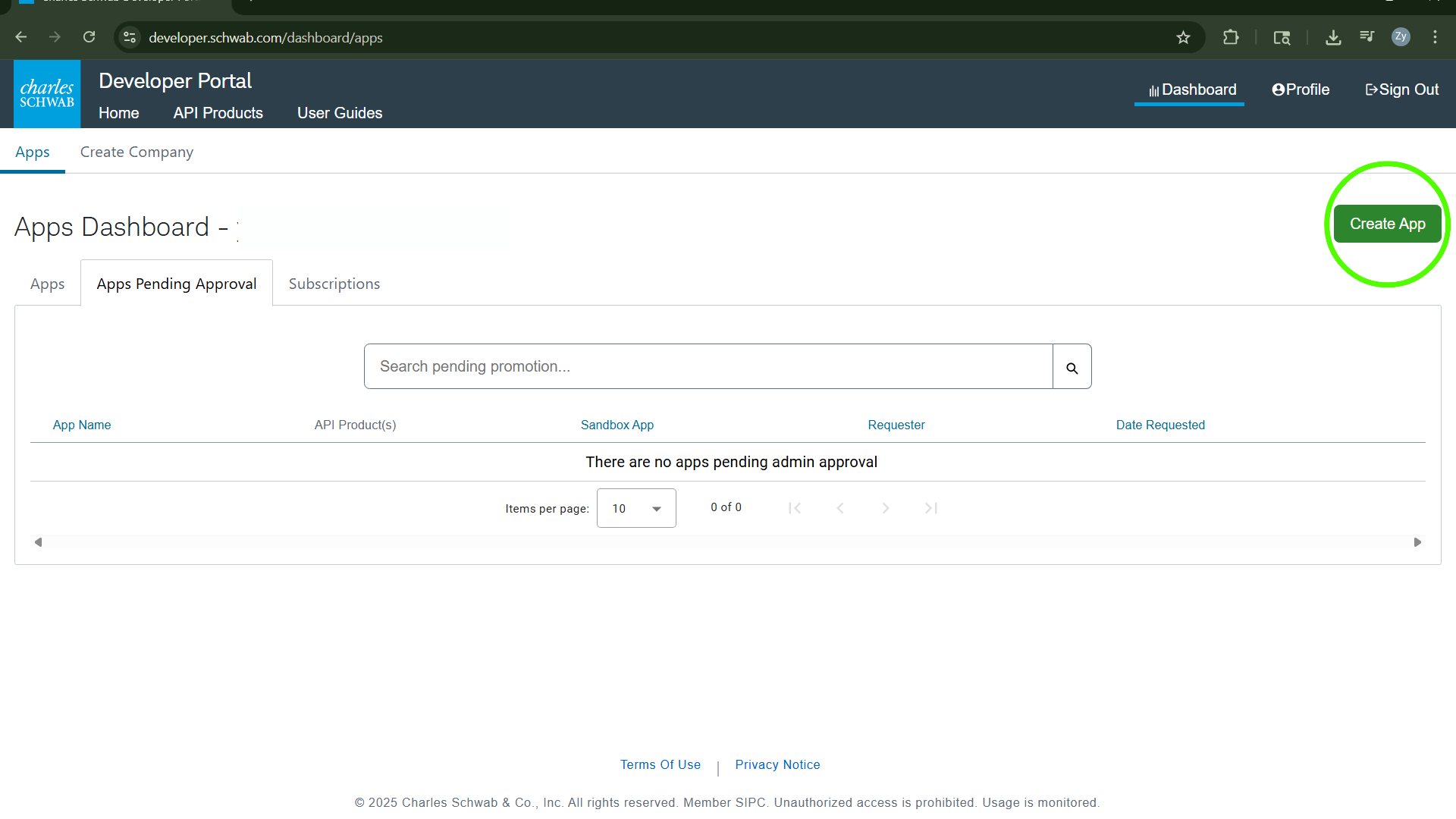
Under the API Product menu, select Accounts and Trading Production.
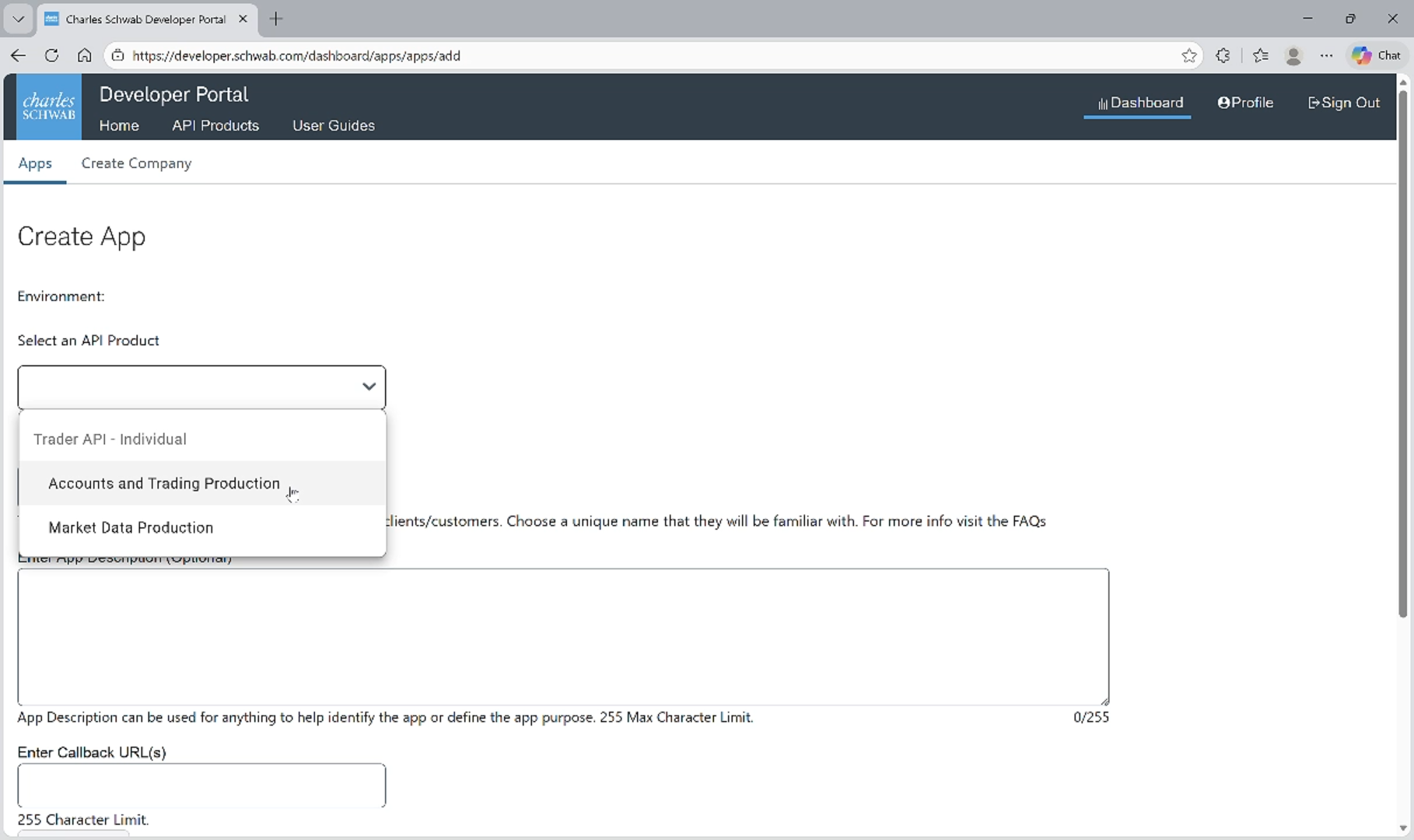
Input 120 into the Order Limit textbox.
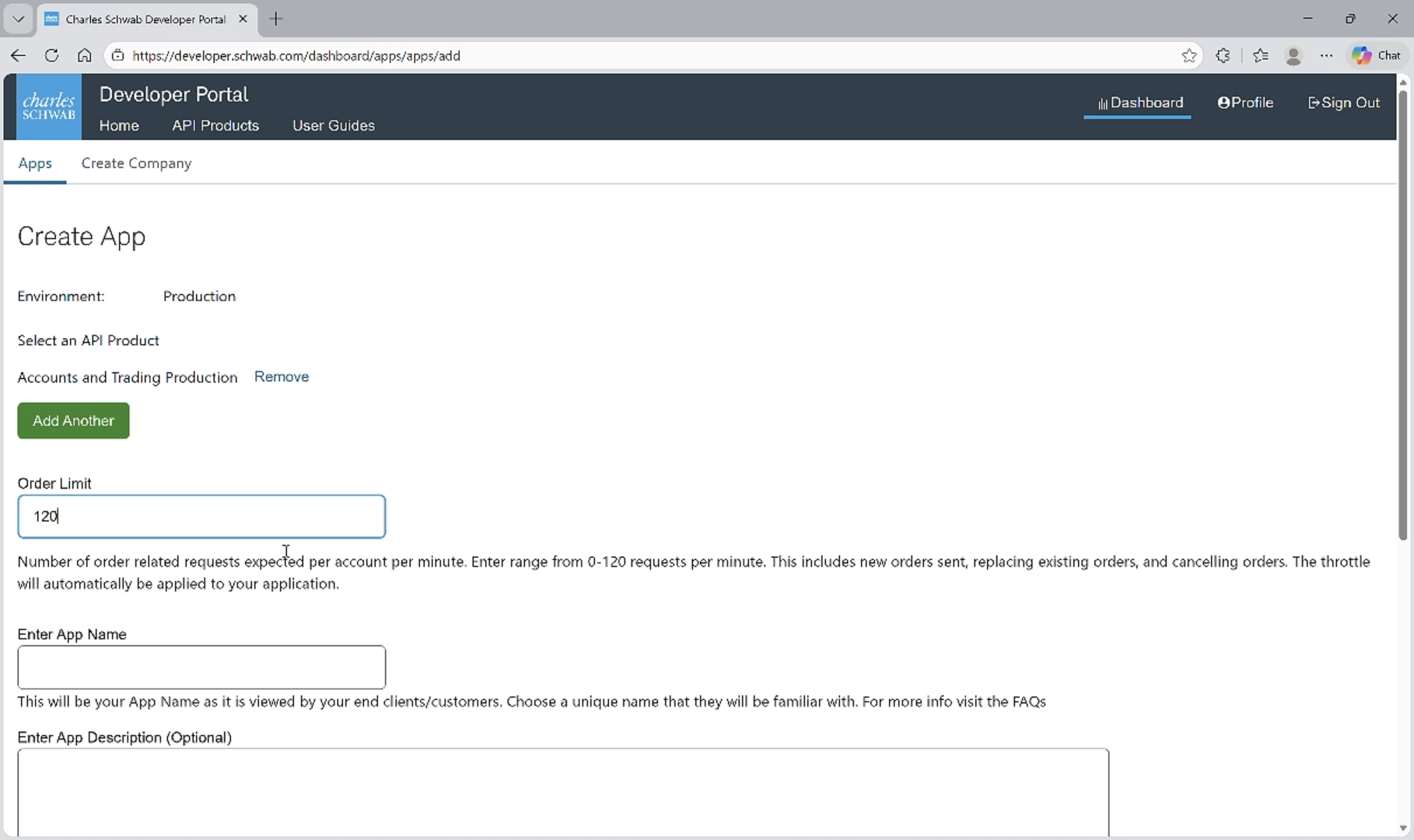
Enter an App Name and Description for the application.
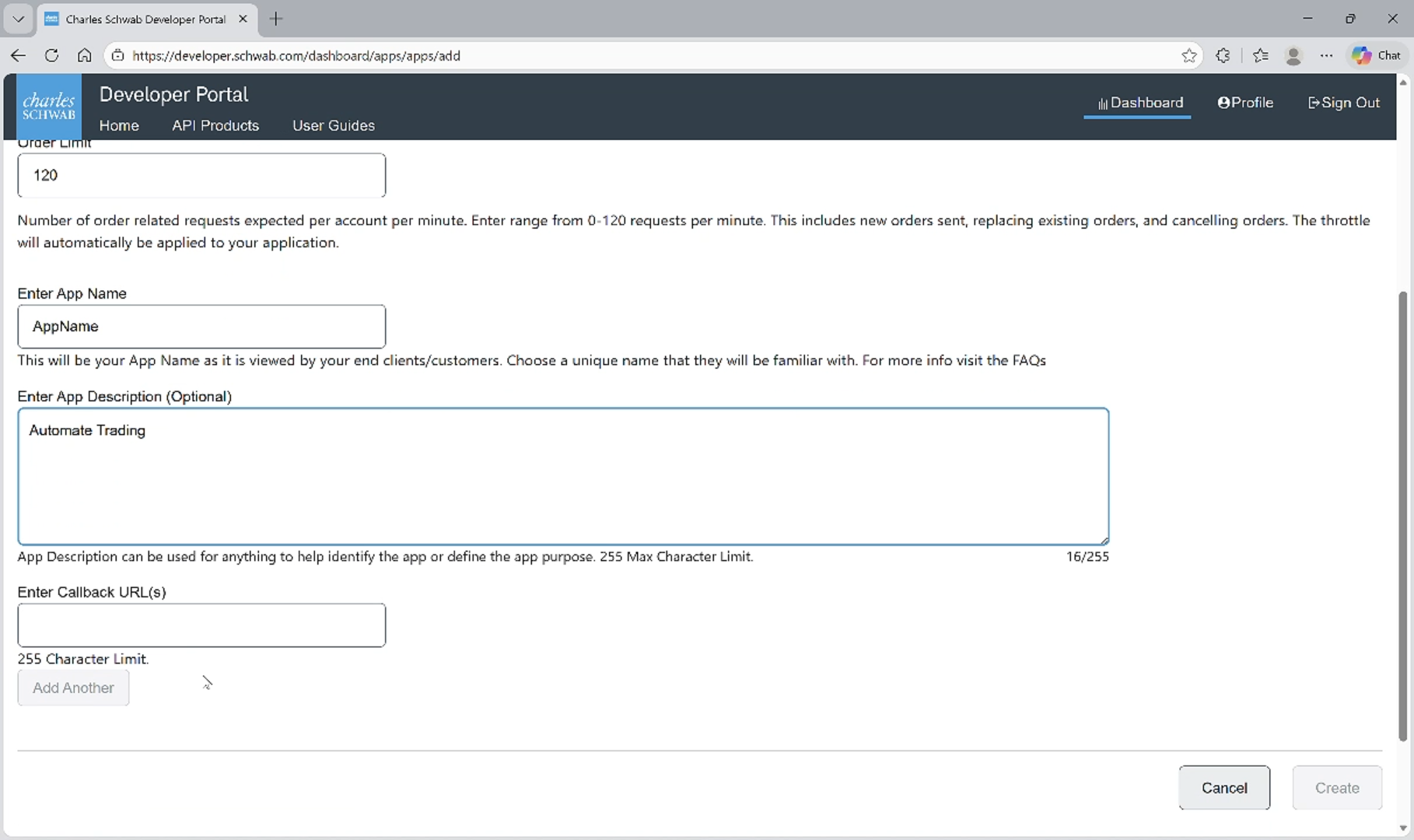
Fill the Callback URL field with the secure local address https://127.0.0.1.
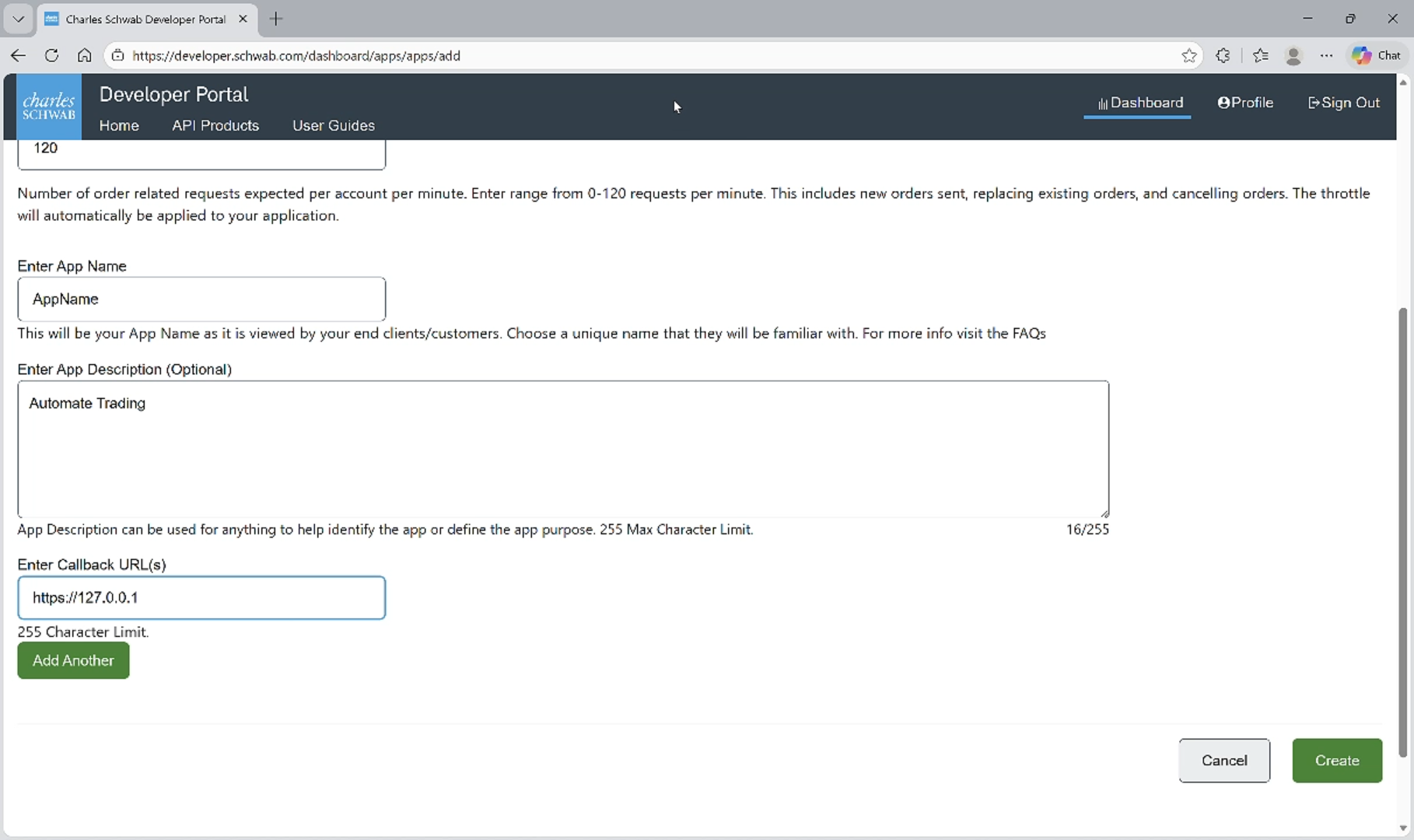
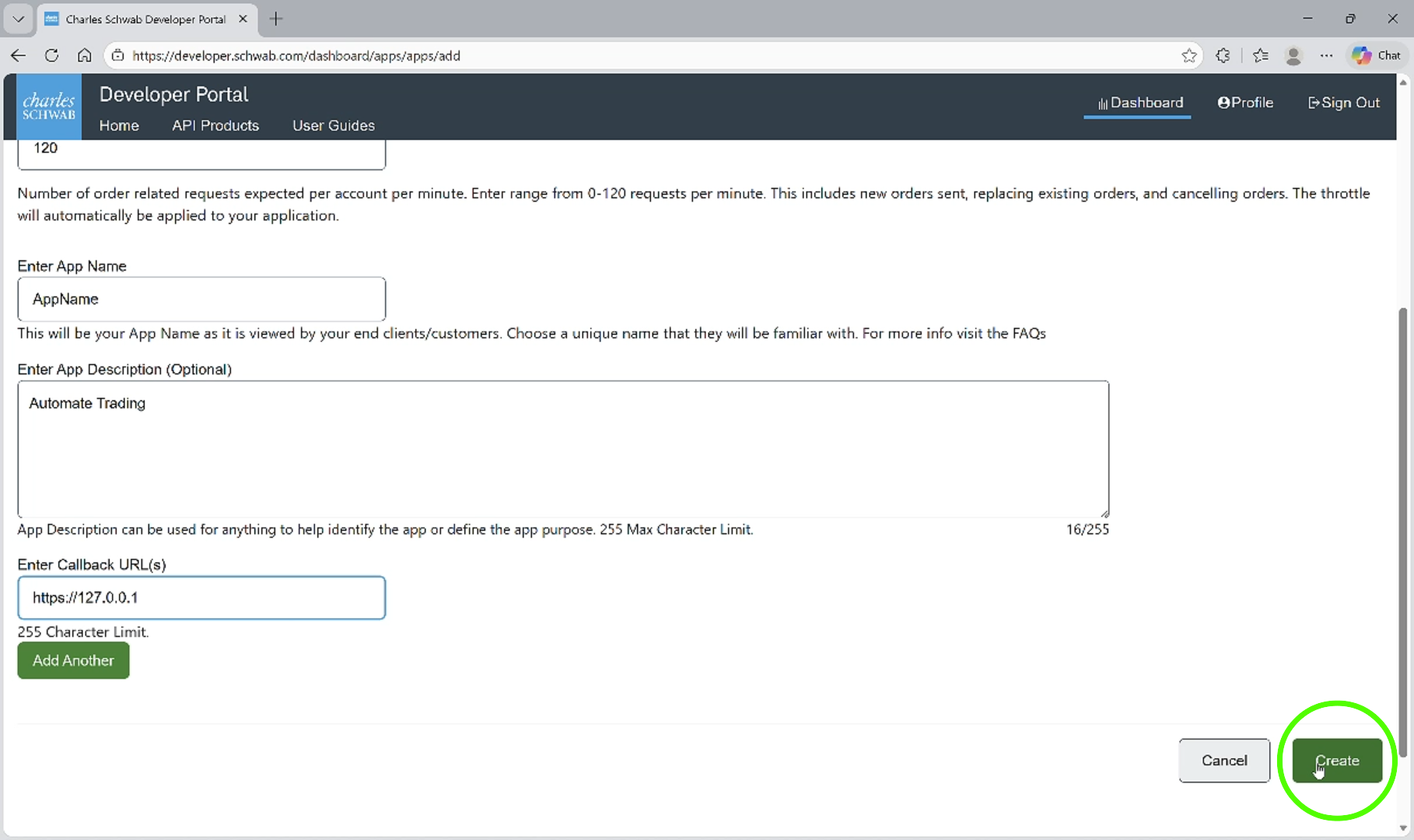
Click the Create button.
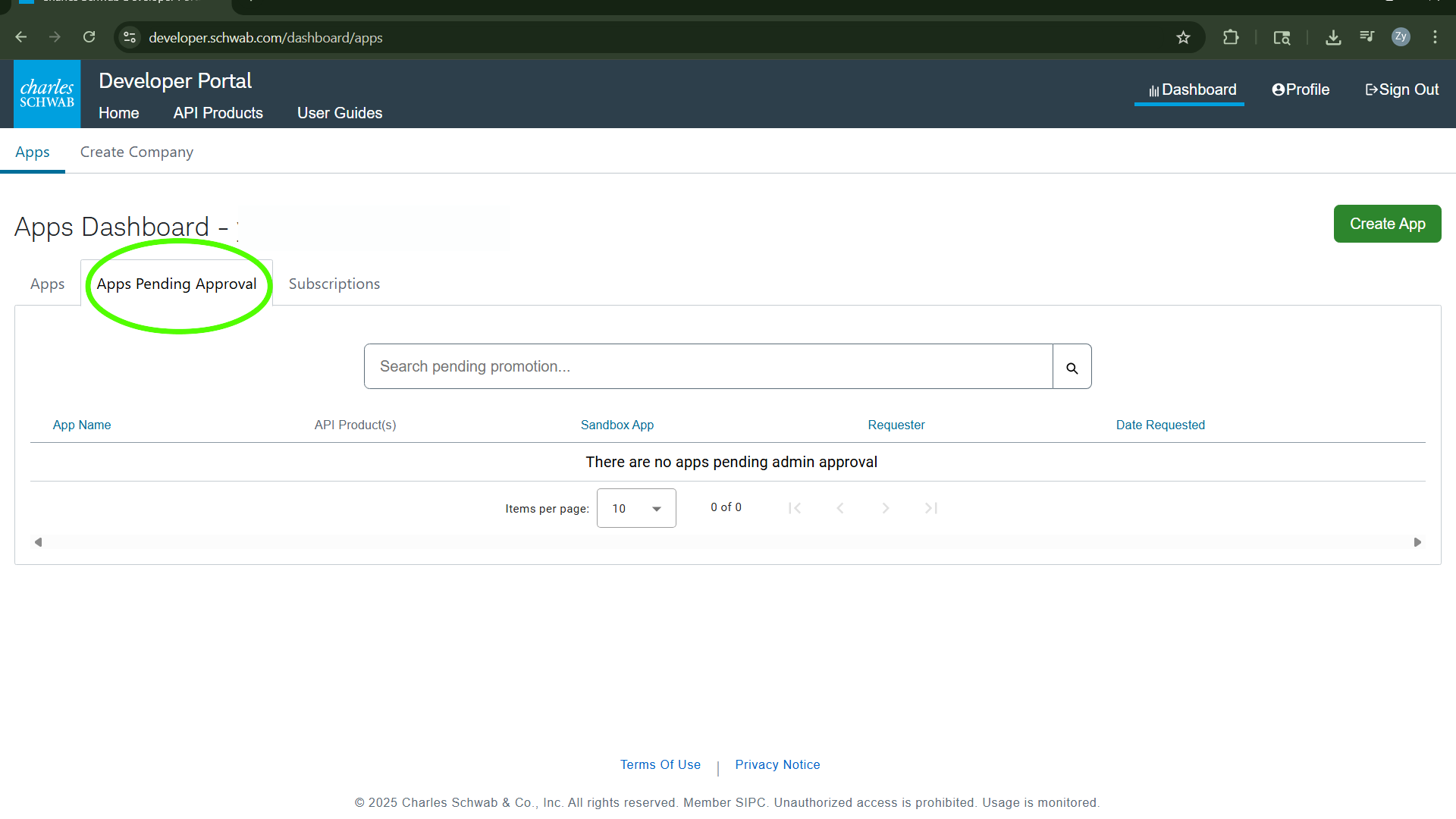
Congratulations, your Application has been created. Please allow up to 1-2 buisness days for Schwab to review your request.
Manage your New Key
Once your app has been approved, you may proceed to document your Schwab App Key.
Click here to Sign in to your developer account.
Once logged in, select the Dashboard to access the app.
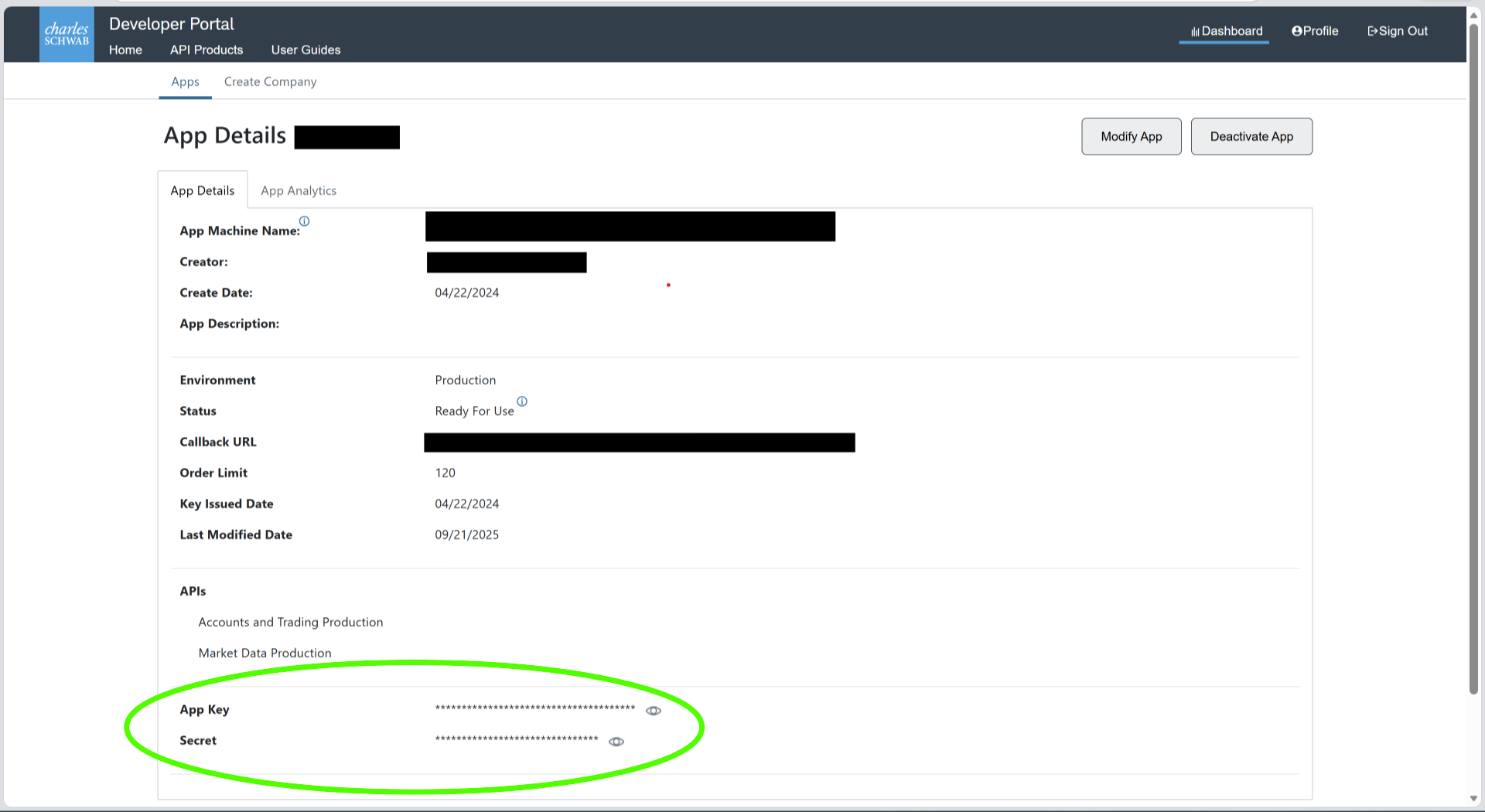
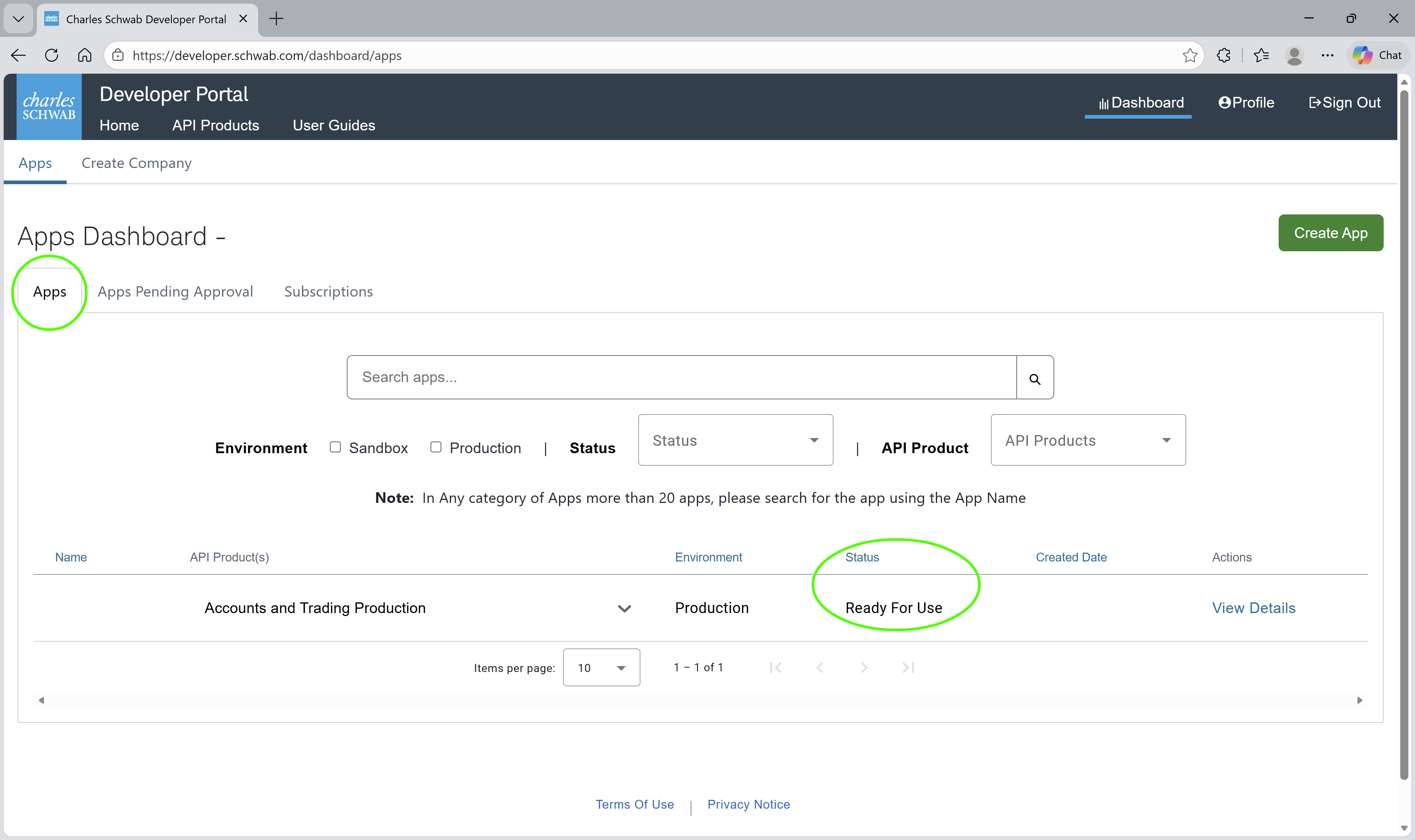
Under the Apps tab, ensure your app status is Ready For Use, then click View Details to proceed.
Congratulations, you have acquired your App Key and Secret. Please document these credentials in a safe place.